HomeLab BIOS issues and HyperVisors
For context this is a short writeup I completed for a class, where we were given a week to configure, check, and update an old enterprise server. A lot of this is my individual effort to try and run the HP software update package manager on this 2010 server, and learning about Hypervisors on the way to updating the BIOS of this computer. Afterwards, me and my team will use this server to simulate network intrusions and real-world cyber threats.
Updating up an old enterprise server (the cheap way)
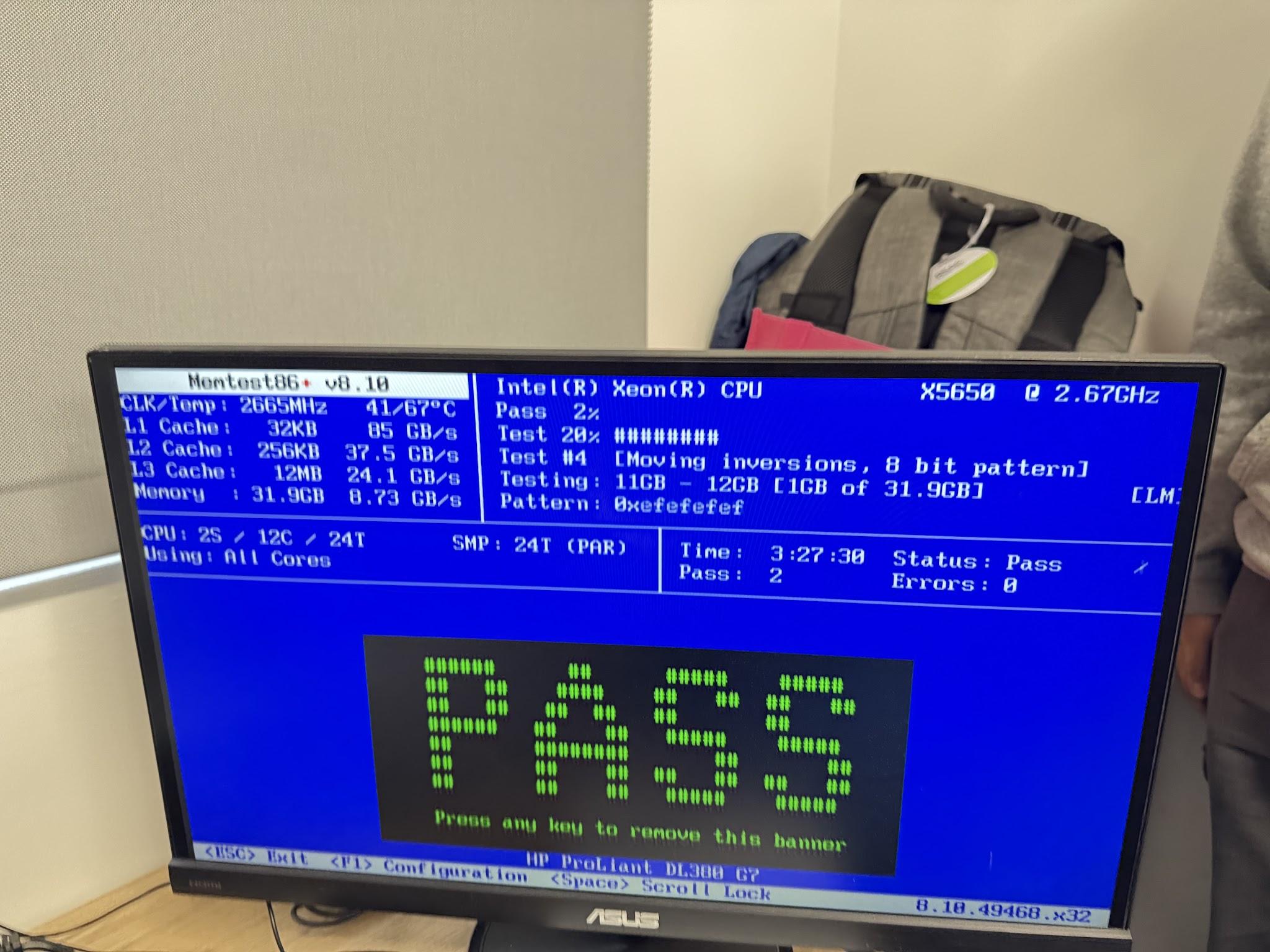
Testing Ram
For our server, we had to check the ram of the proliant 67, but there was an issue with the server firmware predating the UEFI, meaning we had to find a legacy version of Memtest 86 (Instead of v5 we used v4.3.7).
End fix: installed memtest86+, rufus not needed as memtest has an auto download to bootable usb feature. Memtest86+ has the ability to boot into BIOS-only mode if the firmware doesn’t contain UEFI.
Updating the BIOS
Problem = the BIOS is outdated as the server is untouched from 2010… We want the version to be the 2015 version.
The ProLiant 67:
Cannot run advanced versions of windows
Not connected to internet so no curling
We cannot access the HP website without paying ~$1000 so there's no way to get the update from there → required to use the internet archive download
Kagi spits out Ru.Board and internet archive → update for Dell HP ProLiant 67, released through internet archive → you’ll see later from the SHA1 hashes but these are… not licensed or official in any way…
Find bios update 2015 version, cp028139.exe
Install this exe onto usb, but also download ventoy to allow the server to be installed
Ventoy is a partially open source util for creating bootable storage devices from iso files without the need for reformatting the drive
Use ventoy on my 128gb drive
Issue! The usb is too large so that ventoy is loading directly into grub gnu cli, essentially falling through. We need a smaller drive so that the ventoy menu actually shows up on boot. Switch to Ash’s 64gb drive!
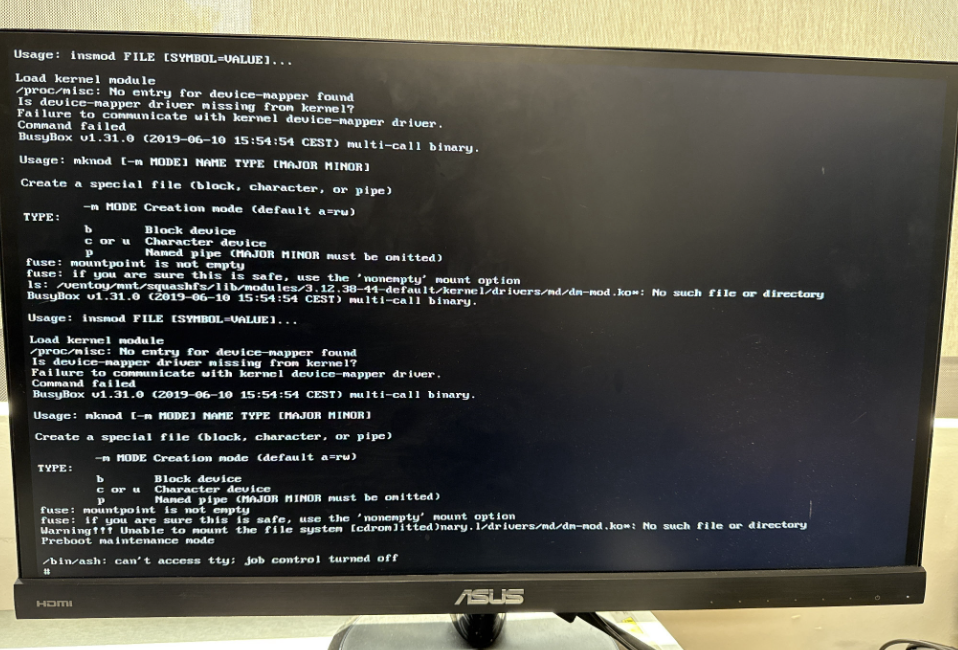
Switched to using a 64gb stick to run ventoy, which i then run FD14LIVE.iso
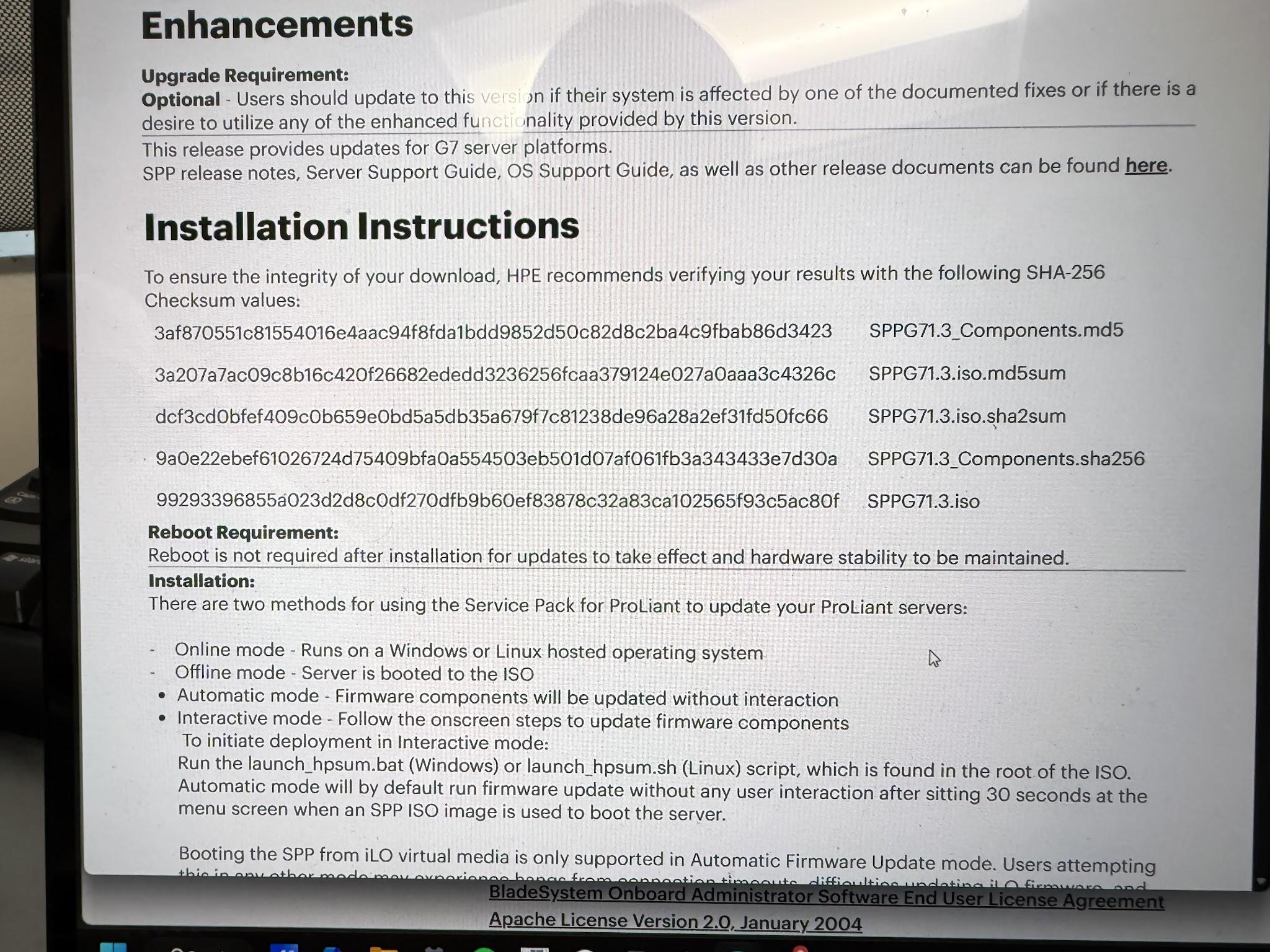
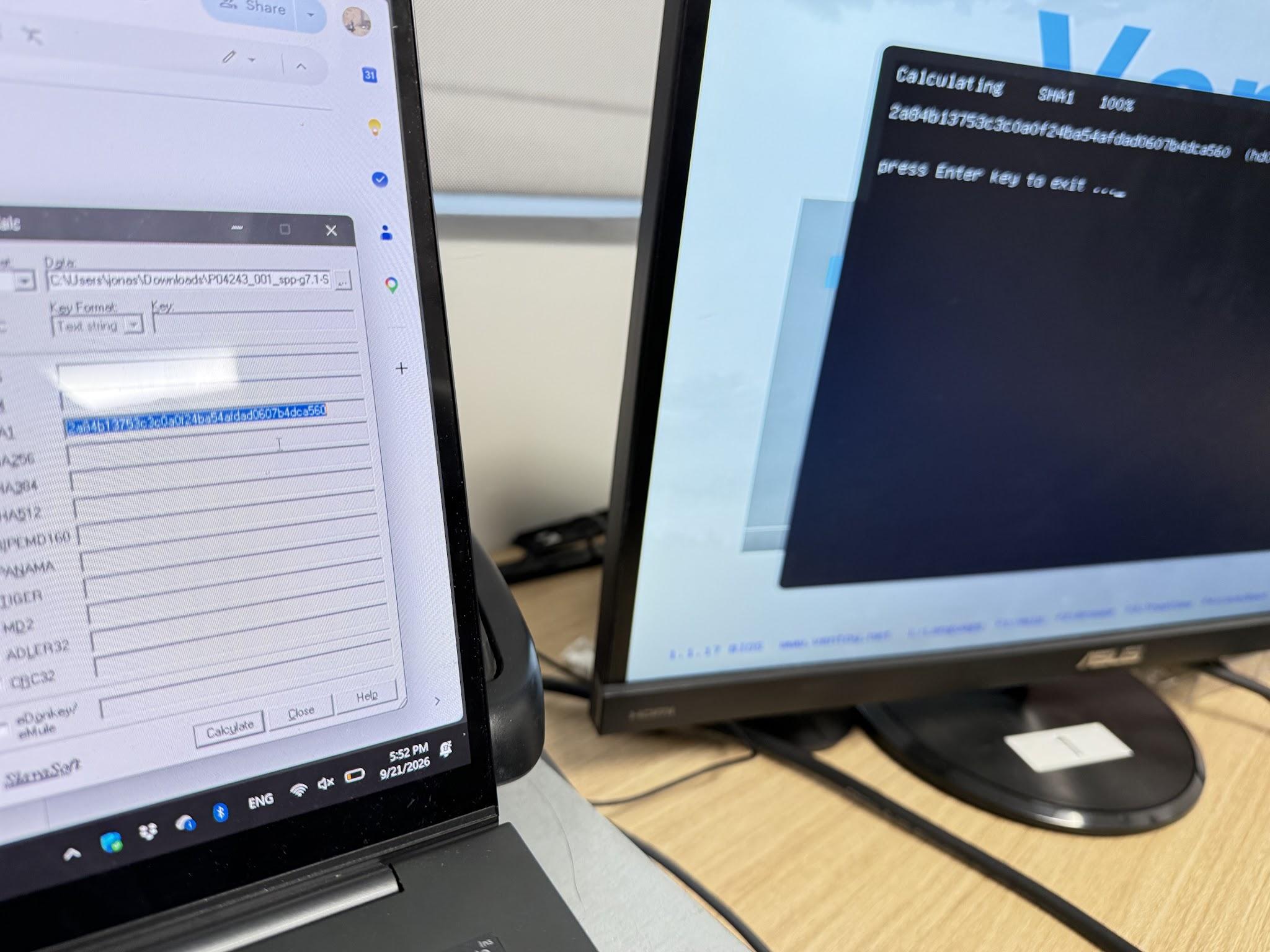
As you can see here, the SHA1 hash of the SPP iso on ventoy matches the one from internet archive, but differs from any of the install hashes on the official HP website.
However, even with the correct iso, ventoy fails. It presents as a virtual cd and the spp boot system doesn’t tolerate it. Why does ventoy fail to load the spp update manager?
Complete aside cuz im distracted: how does ventoy work?
Ventoy works like rufus where you can put isos onto a usb stick or storage media. However, ventoy specifically allows for simply dropping iso files onto the usb and on boot opens a menu that feeds the computer a fake cd/dvd of the iso. This “trick” works for most iso files but like… specifically the spp doesn’t like ventoy.
How does the SPP work?
Service Pack for ProLiant → collection of updates, drivers, system software
Contains the Smart Update Manager (config wizard)→ run the service pack, checks log of hardware
Service Pack for ProLiant can run online and offline, we choose offline and booted into a small Linux environment. SPP basically boots the computer into a little mini HP update operating system. Booting SPP with ventoy thus doesn’t allow SPP to mount its own root filesystem or validate its boot media, so it failed.
Might require dm-mod.ko i think → device mapper, which might not be included in ventoy
Can I run an OS and plug in the update manager into the server afterwards?
Used freedos on a usb stick, which runs off ram.
Ran the update executable on my own system, extracted the files, and flashed the extracted HP Smart Update Manager to a second usb
Plugged in the extracted HP SUM iso files using another usb
unable to log the update file
Needs to boot from it, and the SUP was unable to work on the freedos os.
Okay so I really really need to get the HP native usbkey utility working.
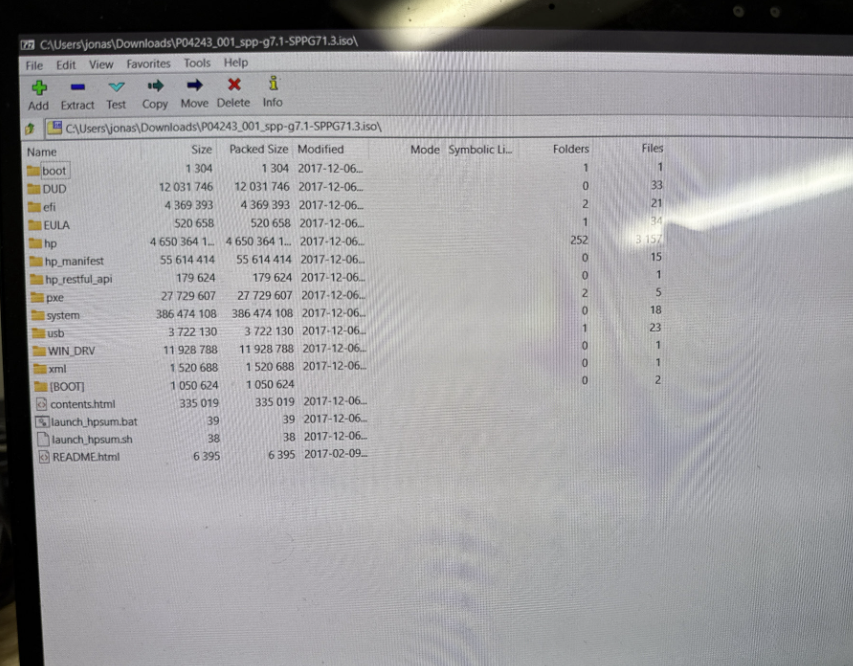
Extracting the update iso with 7zip was necessary because there was an issue with sppg7.1.3 not reading the license if it is run mounted.
I also would need to unzip the iso because replacing the usbkey.exe file to the updated version would be pivotal to solve the 32gb problem
The 32gb problem
Usbkey.exe by hp only accepts usbs <32GB drives, as it is legacy software
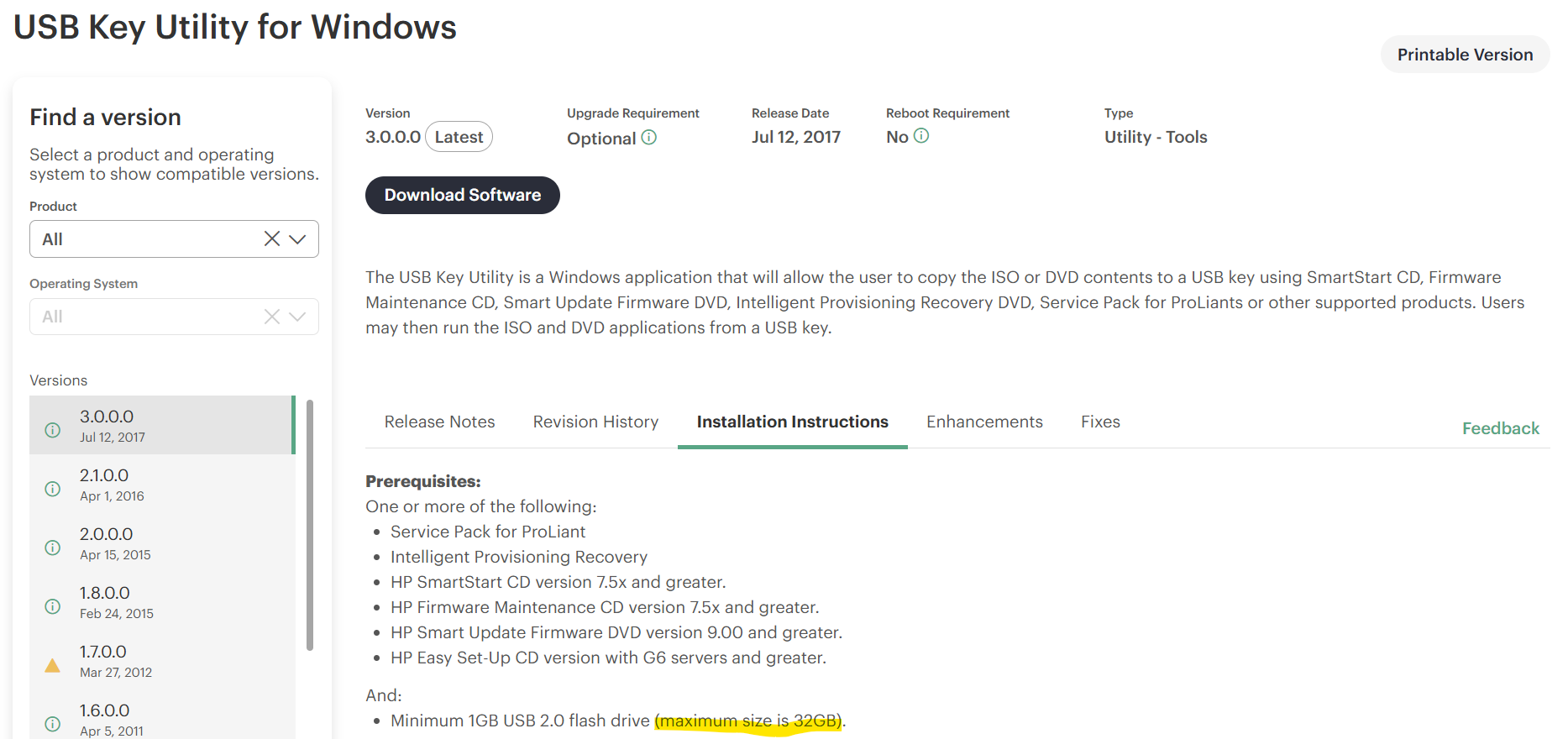
Is it possible to bypass usbkey.exe?
Tried this!
Ran installer on own laptop windows 11 (ran iso, extracted hp installer)
Put the extracted files onto ventoy usb
SPP's integrity checks reject Ventoy's virtual-CD boot
Tried using FreeDOS Ram drive, but the R:\> prompt cannot mount an iso
Ventoy will never work, the iso must be written raw
The solution:
7zip to extract installer from folder
Updated hpusbkey (2.x version) to usbkey.exe (3.0 version)
Hex patch
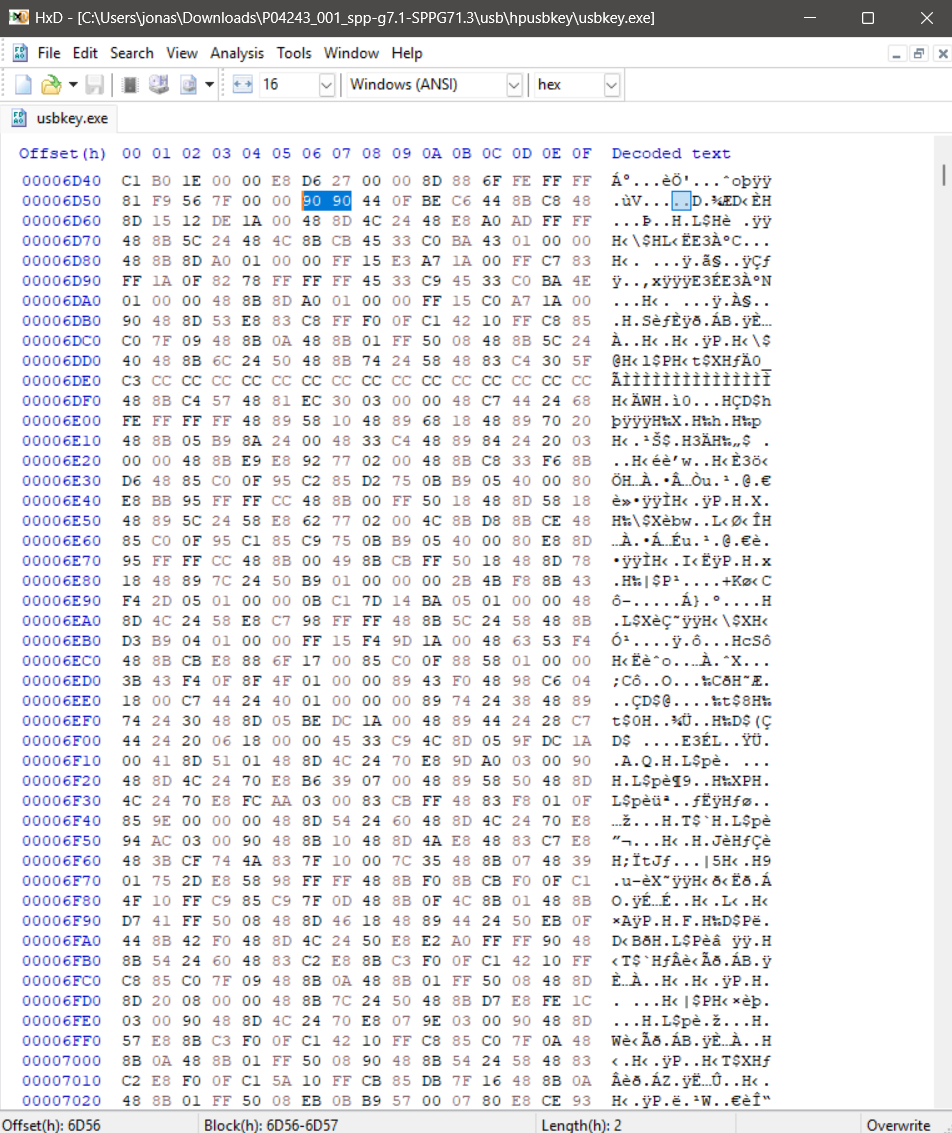
Patched usbkey.exe v3.0.0.0 at offset 0x6D56: 77 35 → 90 90
Fix for HPE USB Key Utility for Windows Not Detecting Large-Capacity USB Drives (>32GB)
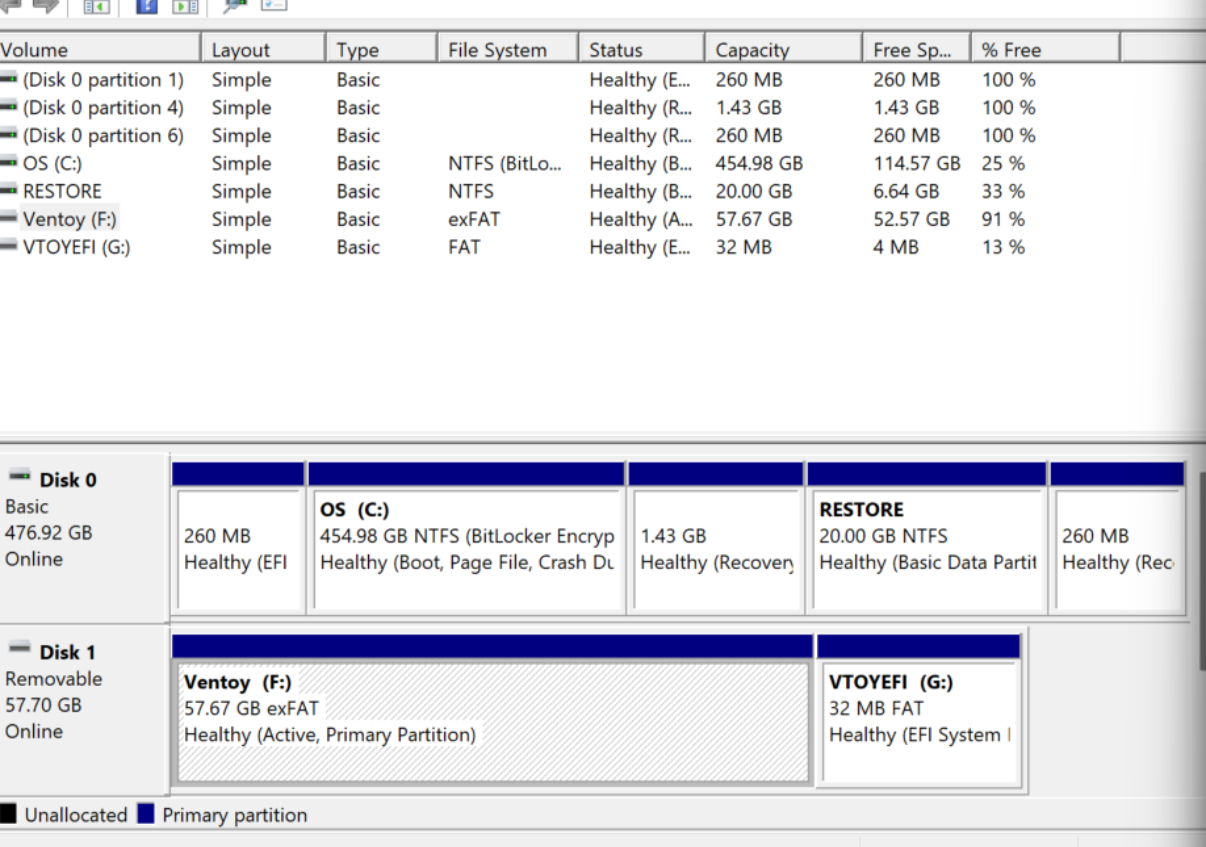
Making a 64gb usb into a 30,000MB NTFS volume
Diskmgmt.msc
Problem! Efi system partition not deletable
Diskpart through cmd, create a ~32gb (30,000 mb) usb drive
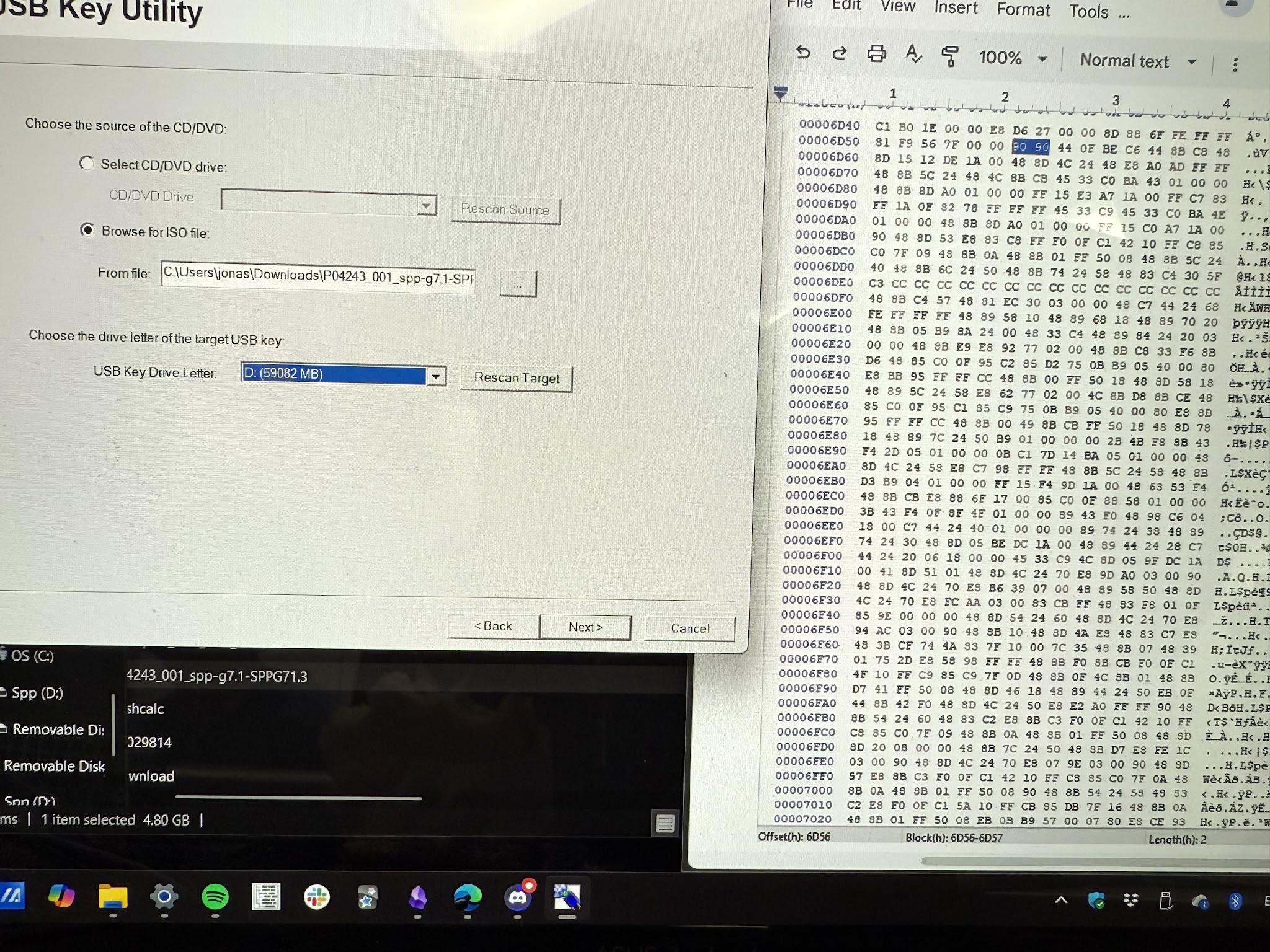
Usbkey.exe now recognizes the usb
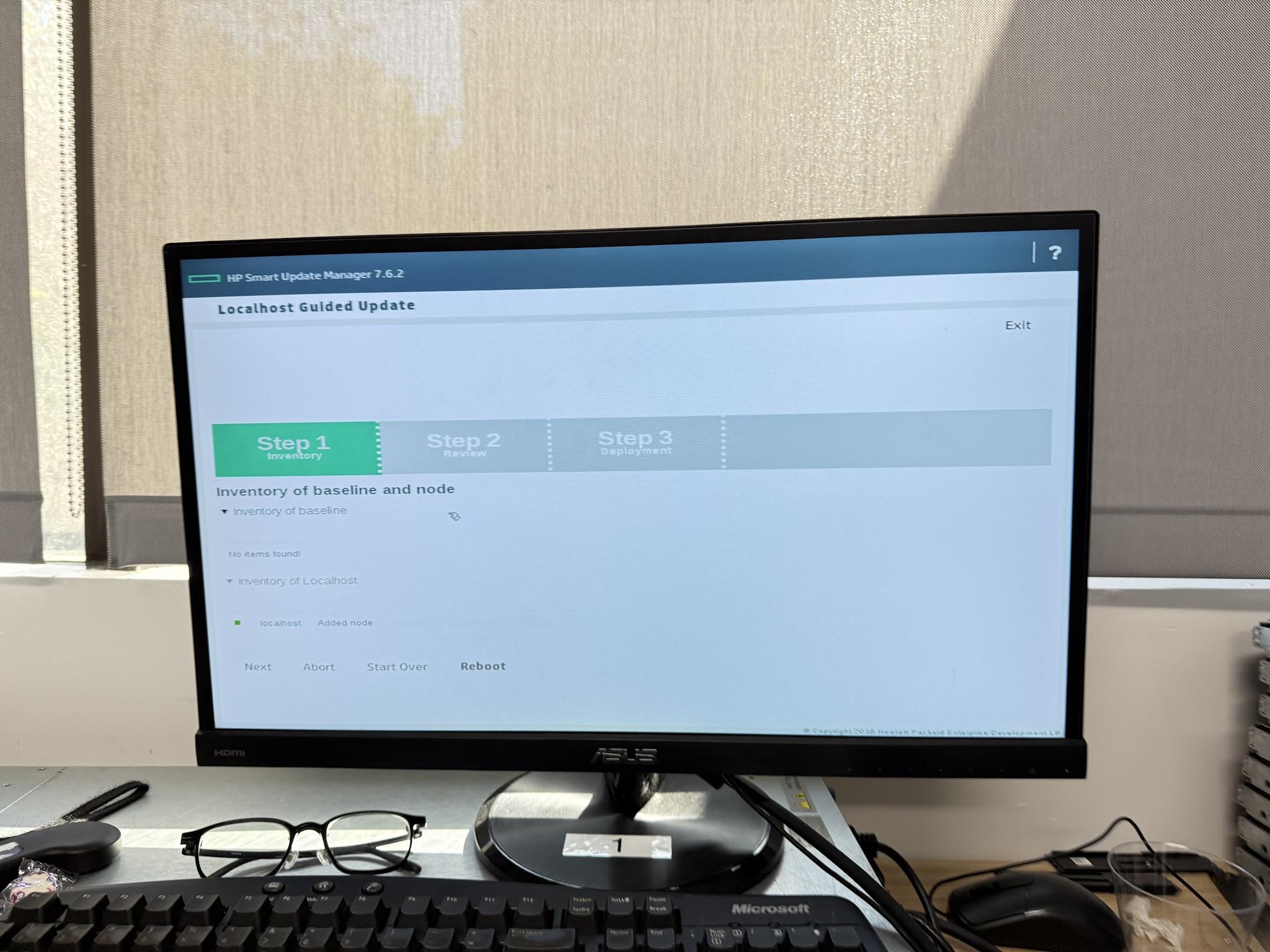
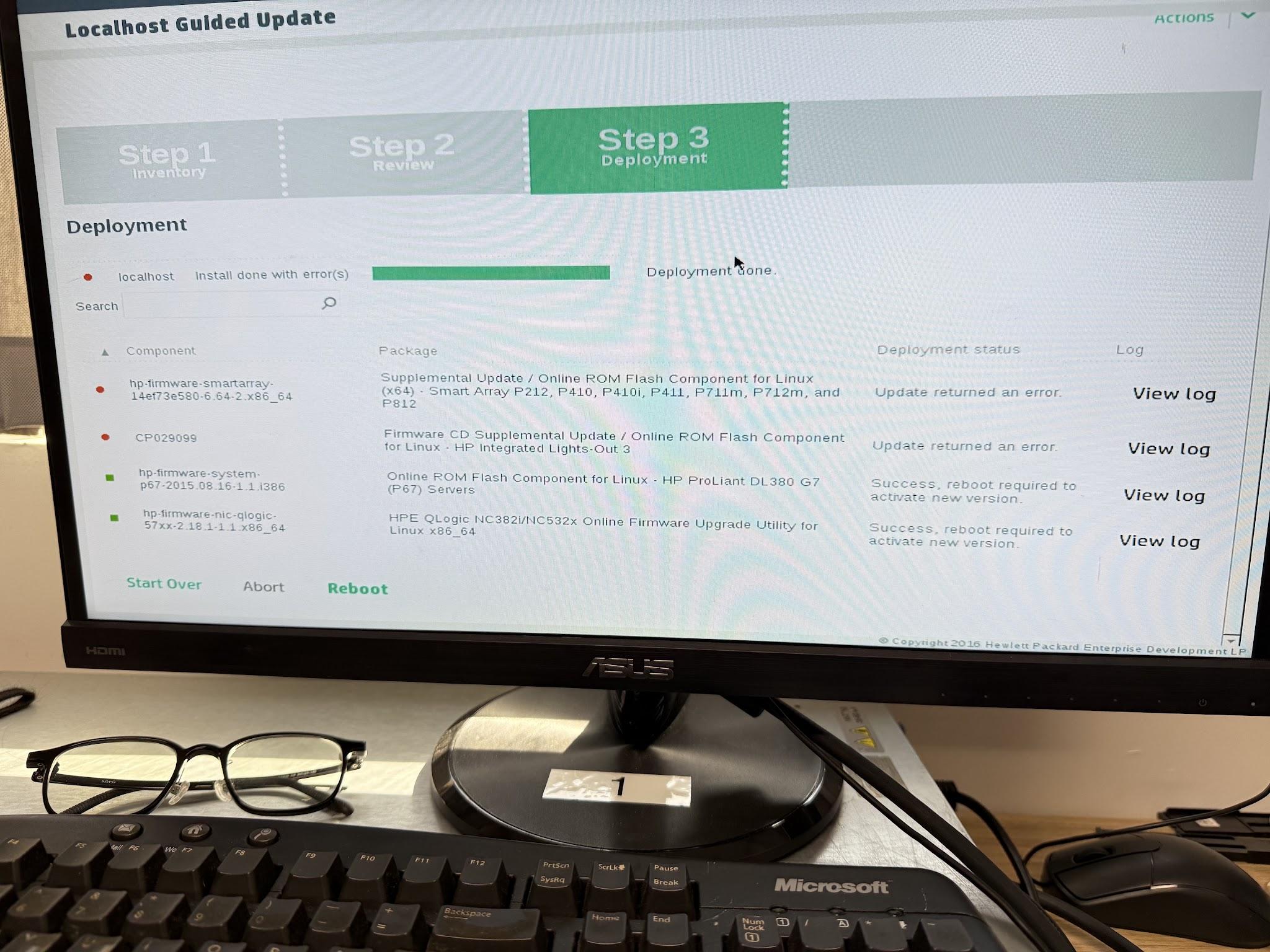
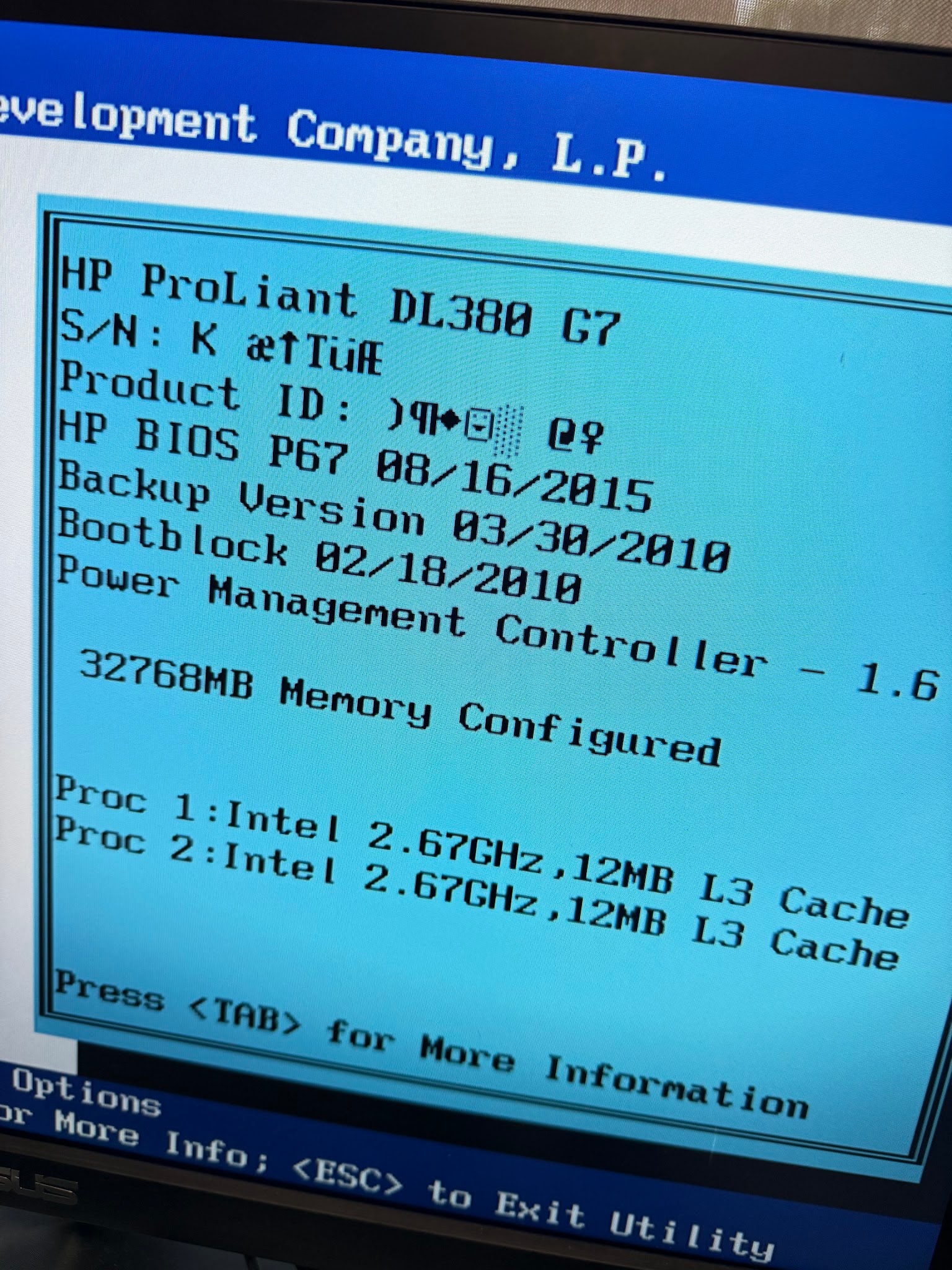
Updated! This took me 6 hours.